 RC PowerLab
Connect the context.
Keep engine, vehicle and dyno configuration attached to the session you review.
POWERLAB. A CLOSER LOOK.
The run. The curve. The setup.
A connected workspace for the way you tune.
FROM FIRST RUN TO NEXT ADJUSTMENT
You changed something. Now see what happened. Capture a run, review the result, return to your baseline and keep the vehicle setup alongside the evidence.
Four parts of PowerLab. Choose a chapter and take a closer look at what it brings to your testing.
CAPTURE
Explore capture →Connect a compatible sensor over Bluetooth and use the native app to capture the run at your bench. Keep the engine, vehicle and dyno context with the measurement.
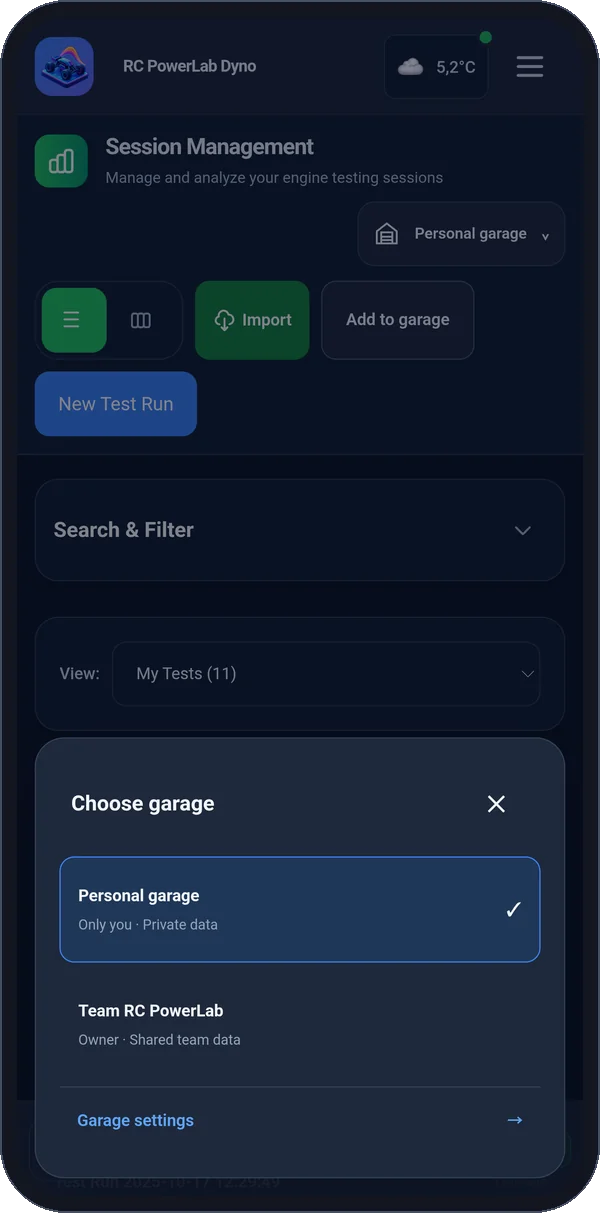
Explore the interface. Click to enlarge.
ANALYZE
Explore analyze →Move from a peak number to a richer view of the run. Inspect performance metrics, distributions, power bands and detected gear shifts.
Explore the interface. Click to enlarge.
SESSIONS
Explore sessions →A useful testing history lets you return to the baseline. Browse and filter your library, open a saved run and share it with another PowerLab user.
Explore the interface. Click to enlarge.
GARAGE
Explore garage →Connect the testing story to your cars and engines. Manage vehicle templates, tracks and setups so your next test has a clear starting point.
Explore the interface. Click to enlarge.
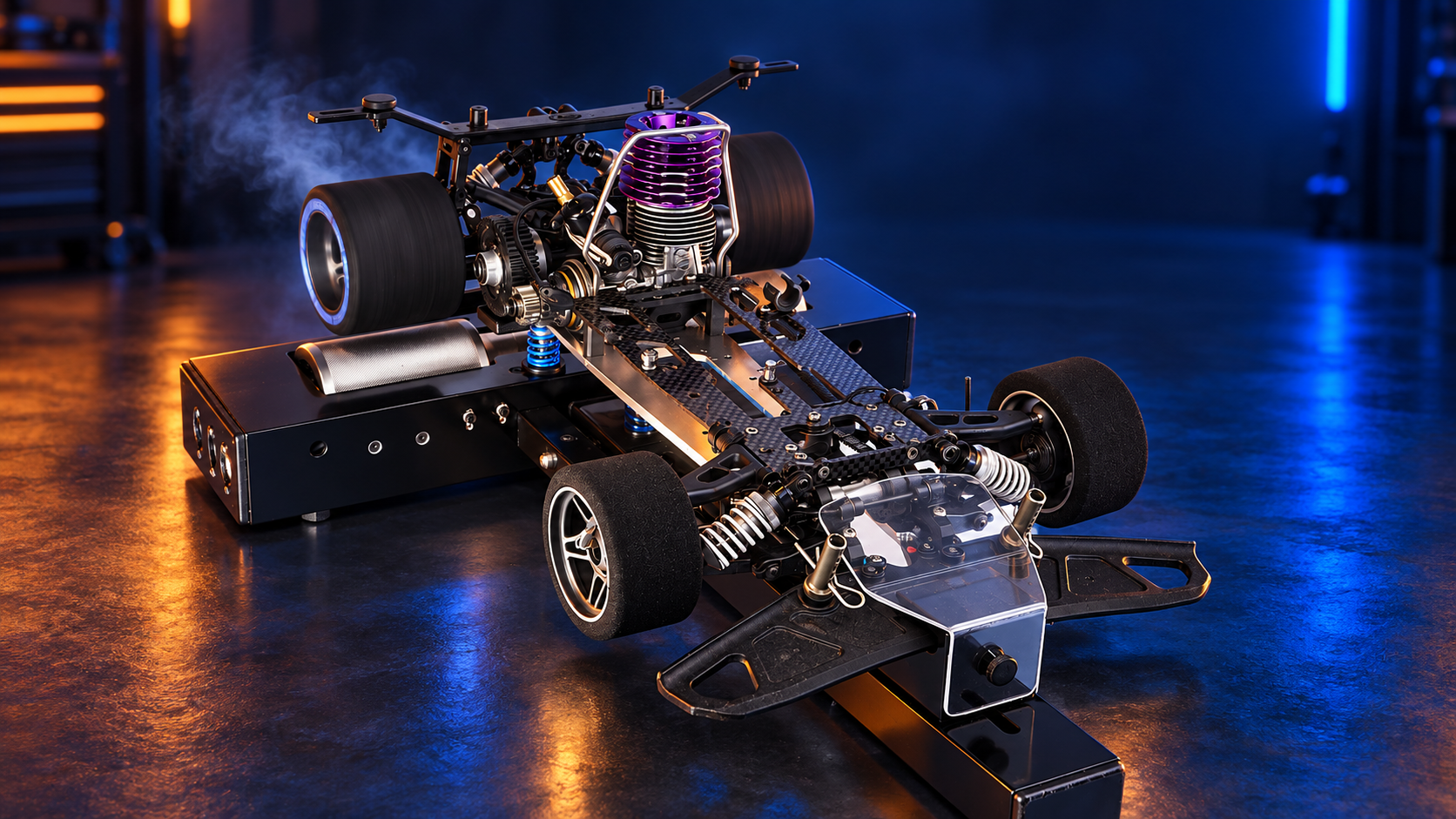
START WHERE THE RUN STARTS.
Make a change. Capture the result. Come back to the curve with the full story in view.
Keep the practical details that make a run useful long after the engine stops.
Keep engine, vehicle and dyno configuration attached to the session you review.
Bring saved sessions into the same workspace to inspect their curves and metrics.
Organize setups and notes, copy a saved setup and adjust it for your next test.

THE APP AT THE BENCH
From the first pull on the rollers to the run your team reviews. Swipe through the app.
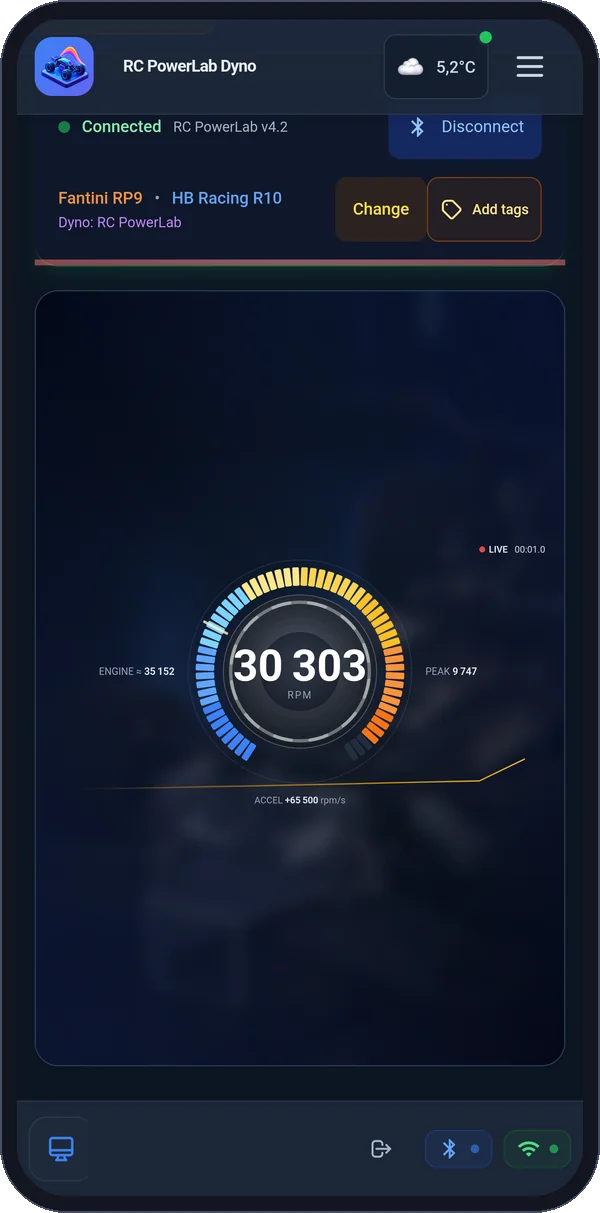
Live RPM straight from the RC PowerLab sensor.
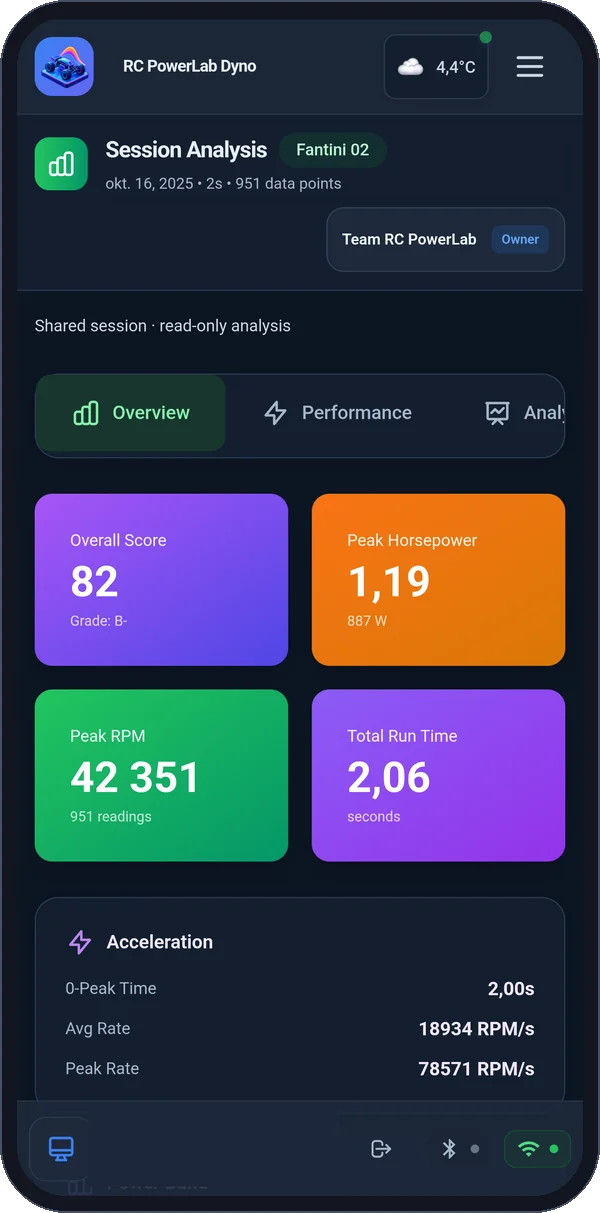
Power, torque and a performance score for every run.
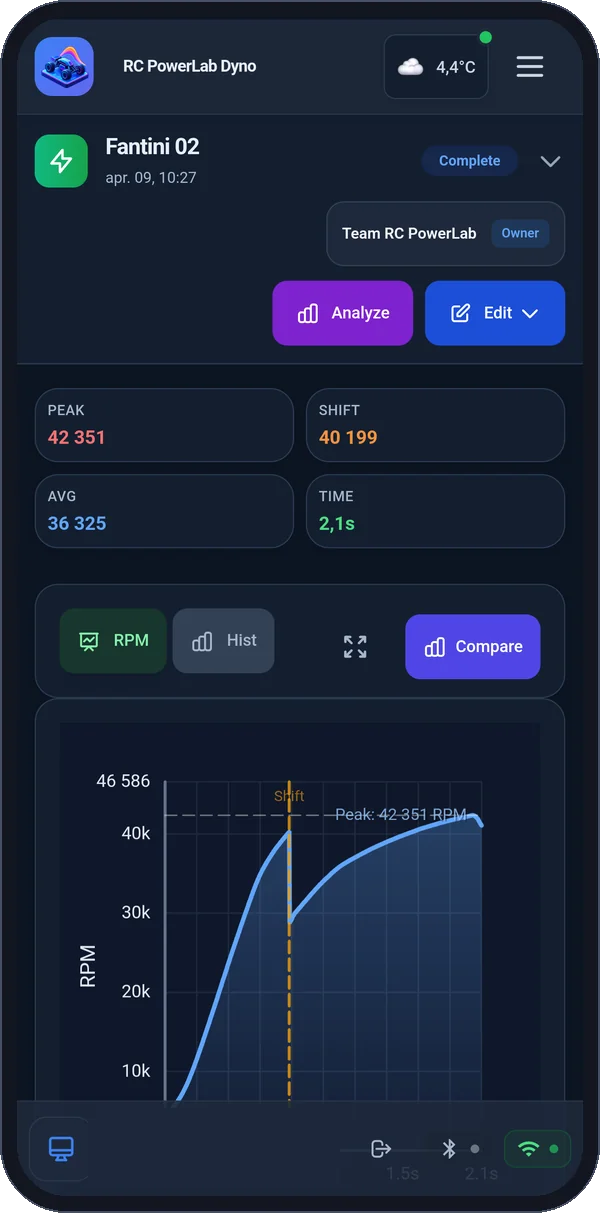
Automatic gear shift detection on every pull.
Share sessions with your crew in team garages.
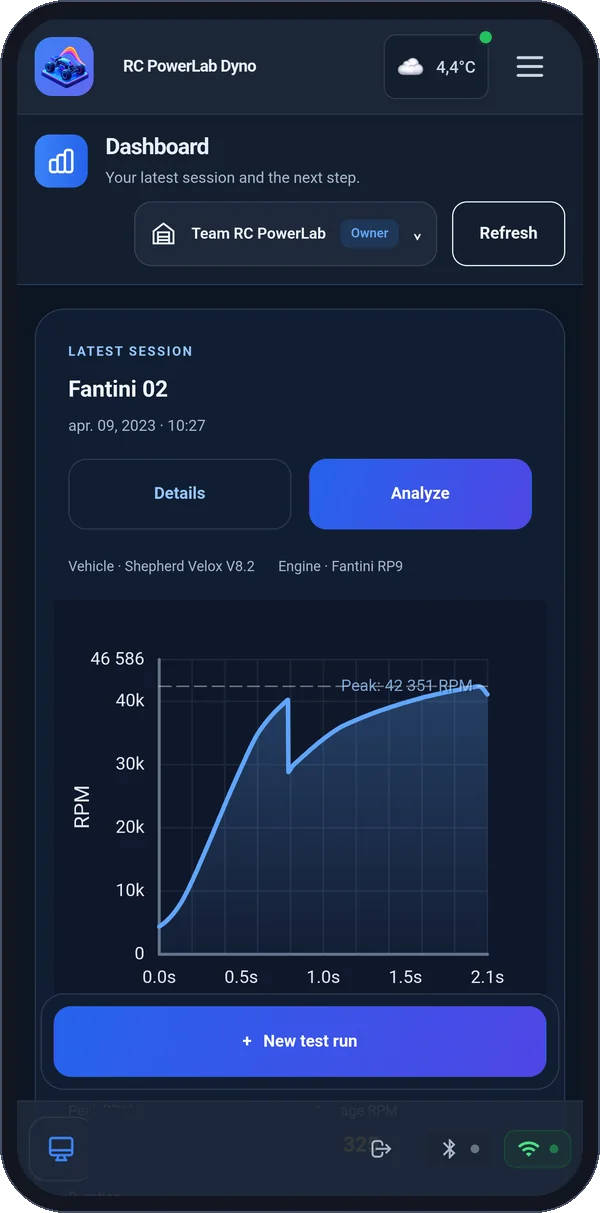
Your latest session and next step in one view.
MOBILE + WEB
Capture on mobile. Review saved sessions and manage your garage in a browser. Each host has a clear role.
| Where you work | Mobile app | Web app |
|---|---|---|
| Connect the sensor & record | Bluetooth capture at the bench | Review saved runs |
| Sessions & analysis | Library, detail and analysis | Library, comparison and analysis |
| Your garage | Engines, vehicles, tracks and setups | Shared garage workflows and setup notebook |
| Your history | Save runs to your account | Browse, filter and share saved sessions |
RACERS
Keep car and track context close to your saved settings and test history.
TUNERS & SHOPS
Compare saved runs and share a session when you want someone else to inspect the evidence.
RC ENTHUSIASTS
Explore performance curves, inspect the detail and keep a history of your experiments.
A FEW THINGS TO KNOW
The native mobile app, a compatible PowerLab sensor and a configured dyno. The optical sensor captures roller pulses and sends them over Bluetooth. Review the hardware and calibration requirements before using the measurement results.
Recording and Bluetooth sensor connection use the mobile app. The browser is for reviewing saved sessions, analysis and garage management.
The session workspace supports comparing saved sessions and sharing individual runs with other PowerLab users. Share individual runs with other PowerLab users.
The notebook organizes your recorded settings and notes. Copy and adjust a setup, then test it. It does not predict a lap time or automatically choose a winning race setup.
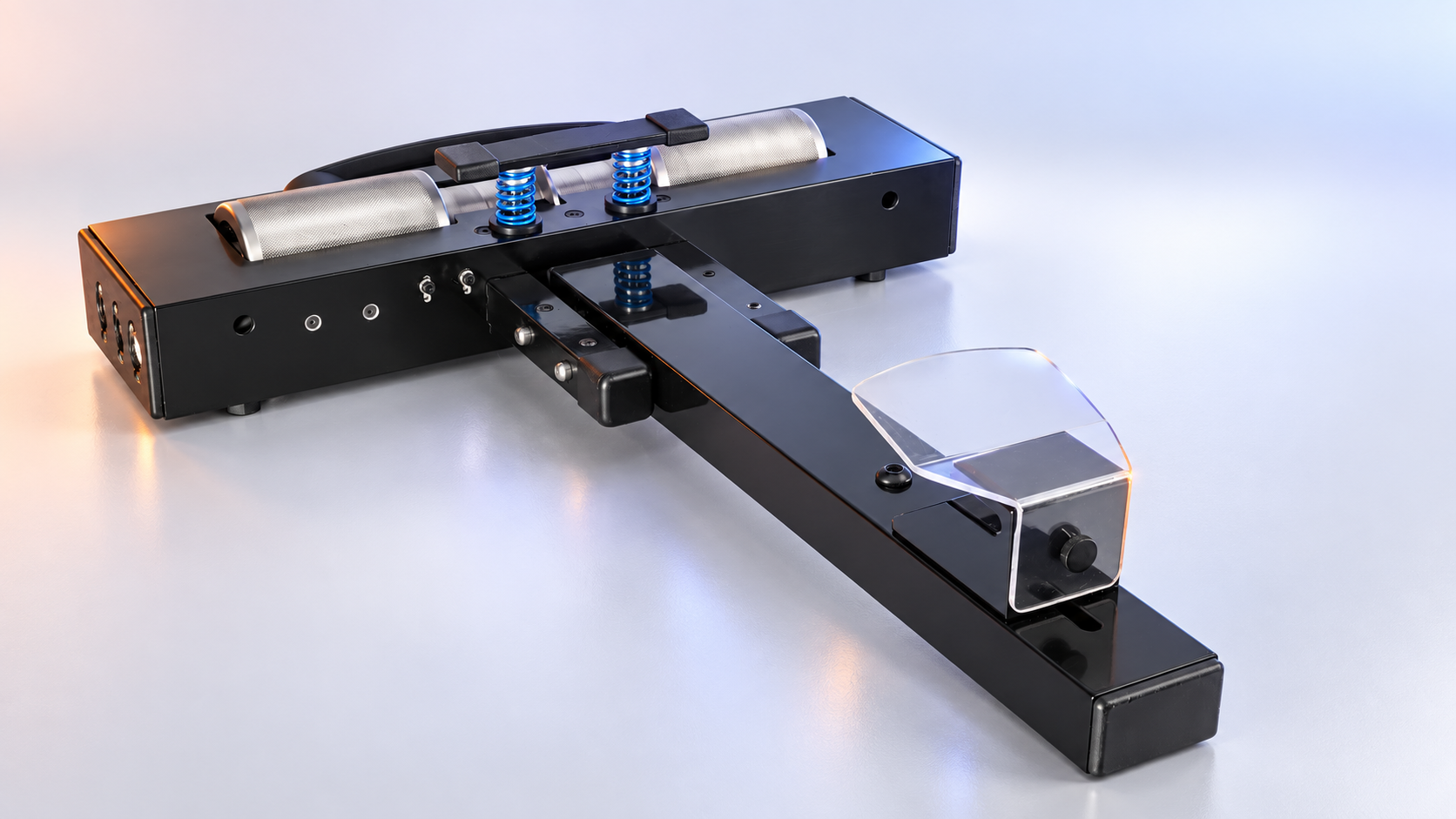
RC POWERLAB
Compact roller hardware. A connected testing workflow. Bring your car, engine and run history together.
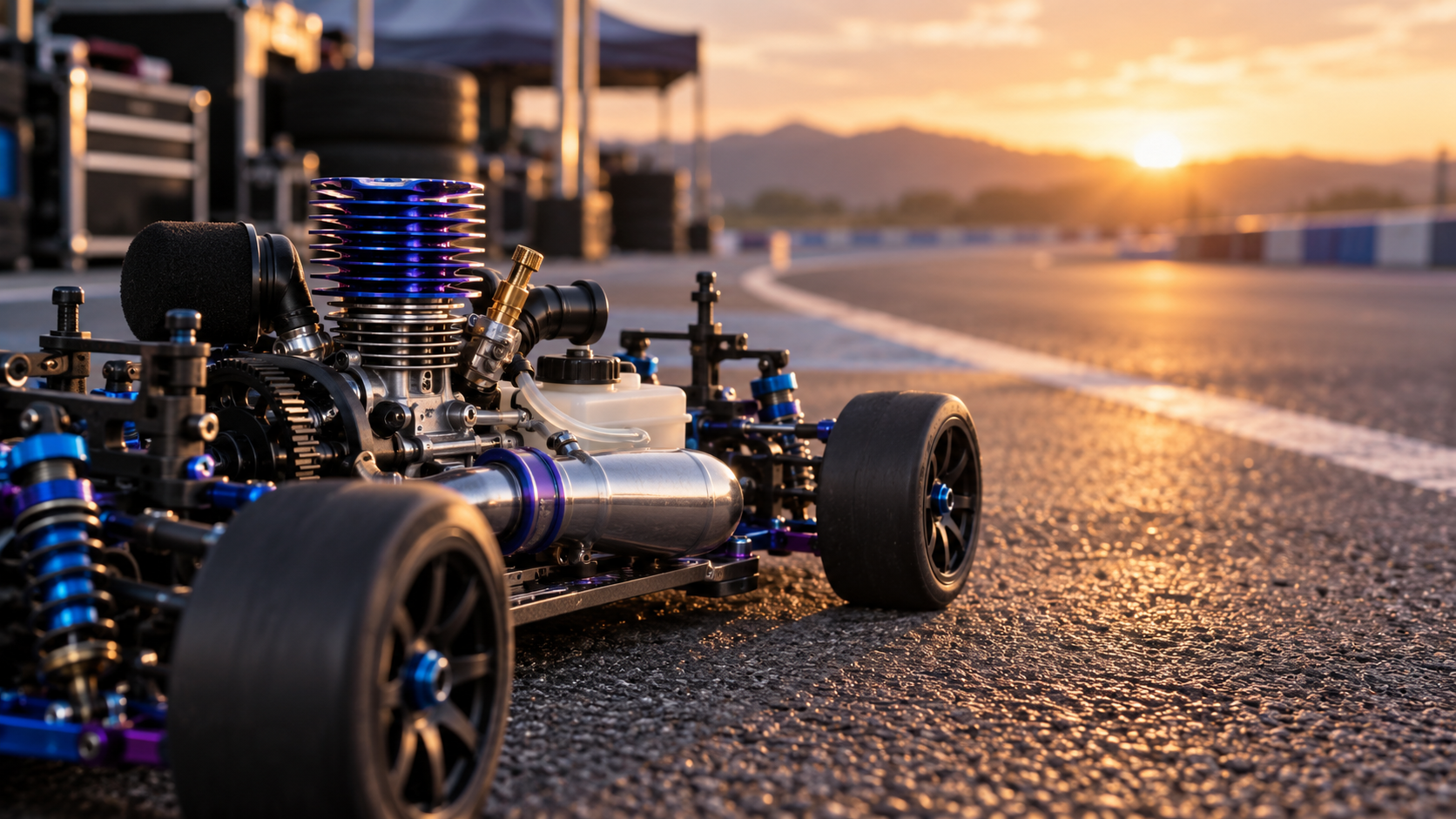
RC POWERLAB
Keep a baseline, make an adjustment and return to the saved evidence.
1:8 IC TRACK RACING
A connected workflow for the cars and engines you tune.
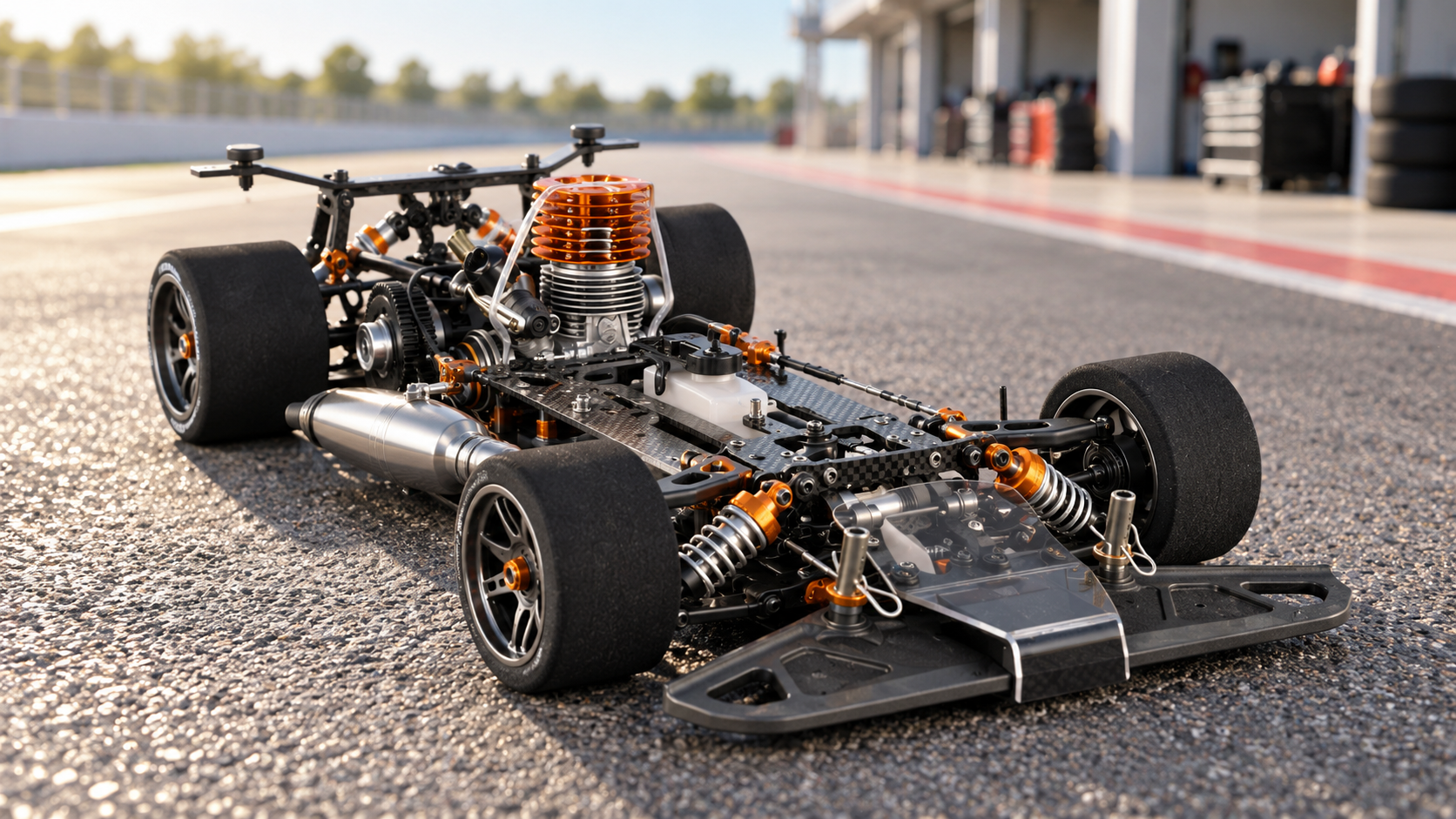
Keep a baseline for your next adjustment.
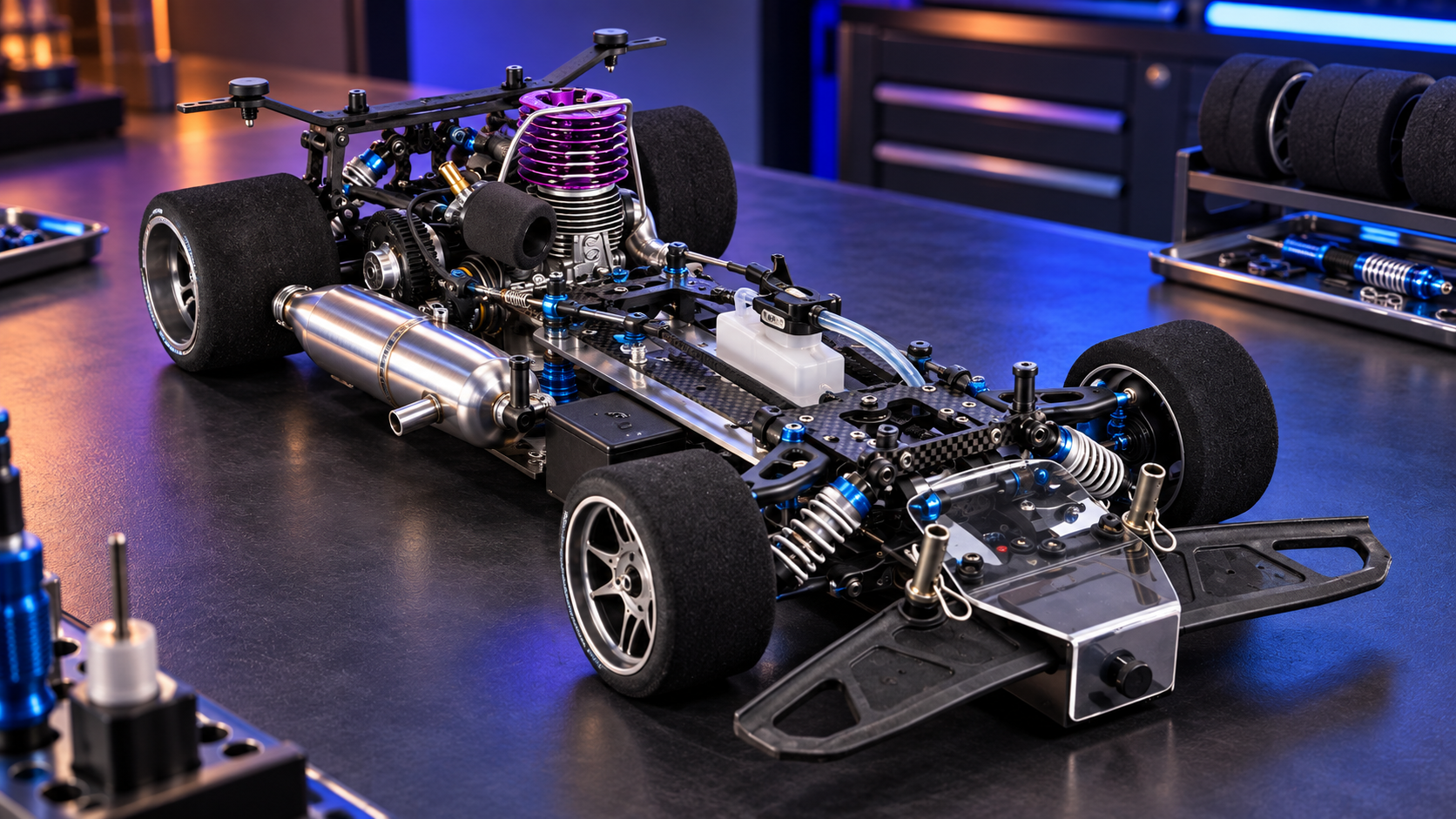
Keep engine and car settings organized.
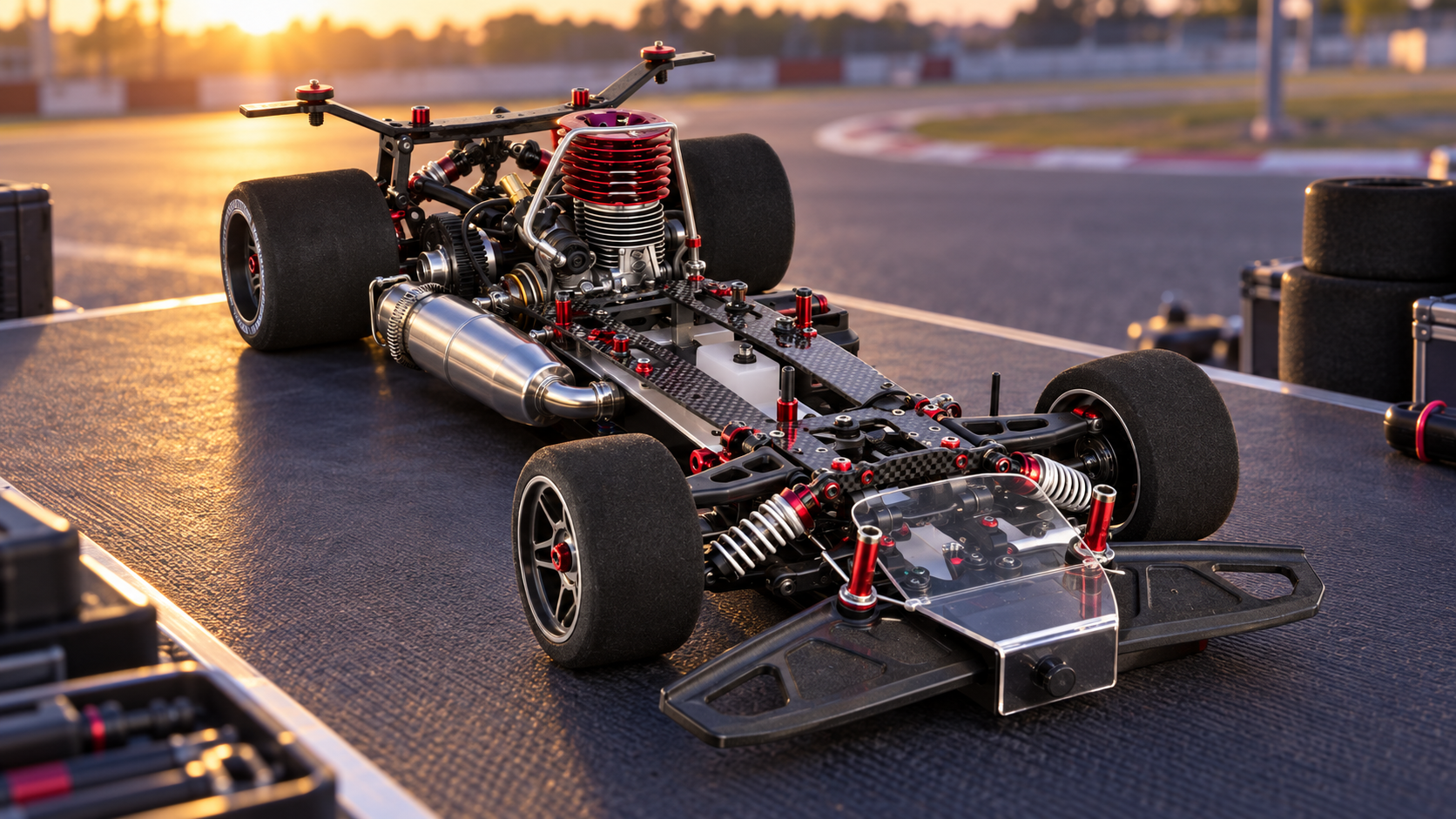
Return to your saved measurements with the full context.
HOW POWERLAB WORKS
Capture at the bench. Keep the run with its context. Come back to the evidence before you adjust.


Bluetooth recording uses the mobile app. Power and torque depend on the configured dyno and calibration. The browser reviews saved runs.
POWERLAB INTELLIGENCE
Explore explanations grounded in your session evidence, compare runs with their context and discover the next chapter of connected assistants.
Understand the shape of a run and the questions worth exploring next.
Explore Run Coach →02Keep saved configuration and session evidence beside your comparison.
Explore intelligent comparison →03Discover a future experience with approved, read-only access for compatible assistants.
Explore connected assistants →Examples are illustrative. Feature availability depends on your account and supported integrations.
See how capture, analysis and garage management fit together.
Explore PowerLab