 RC PowerLab
Engines and profiles.
Keep specifications and engine profiles available when reviewing recorded sessions.
YOUR GARAGE
Organize the engines, vehicles, tracks and setups that make your testing history useful. Reuse what works and keep room for the next adjustment.
Engine library · app interface example
Vehicle library · app interface example
Keep specifications and engine profiles available when reviewing recorded sessions.
Organize your cars and reuse vehicle templates to establish a useful starting point.
Manage tracks and keep surface, grip and notes with saved setup information.
Clone a saved setup and open the copy for editing, keeping your original starting point.
The new web-first notebook gives car/track selection, key front/rear settings and saved-state parent comparisons.
Browse owned and shared sessions, and bring legacy XML sessions into your library.
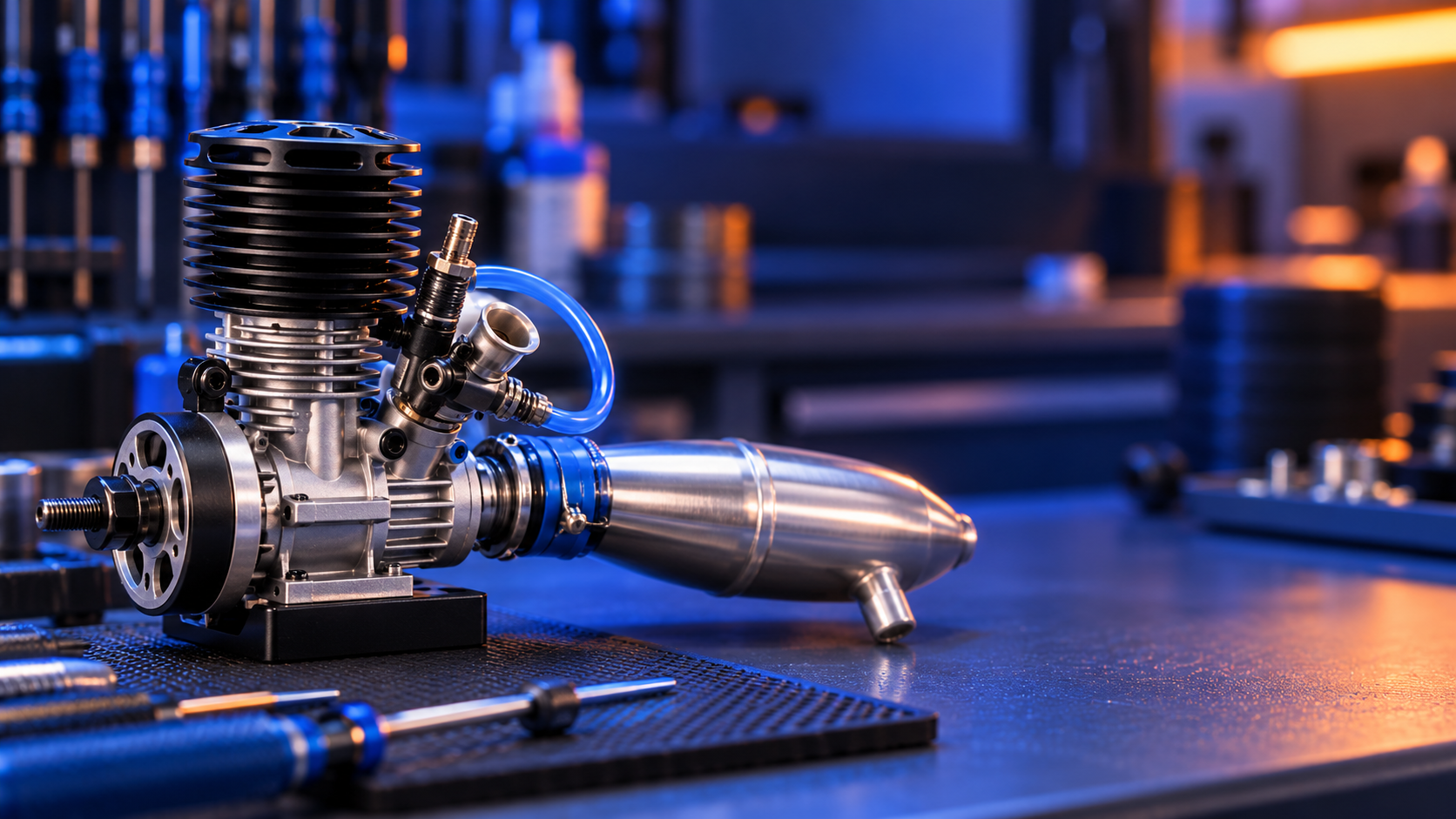
RC POWERLAB
Build your engine and vehicle library. Keep settings and notes ready for the next test.
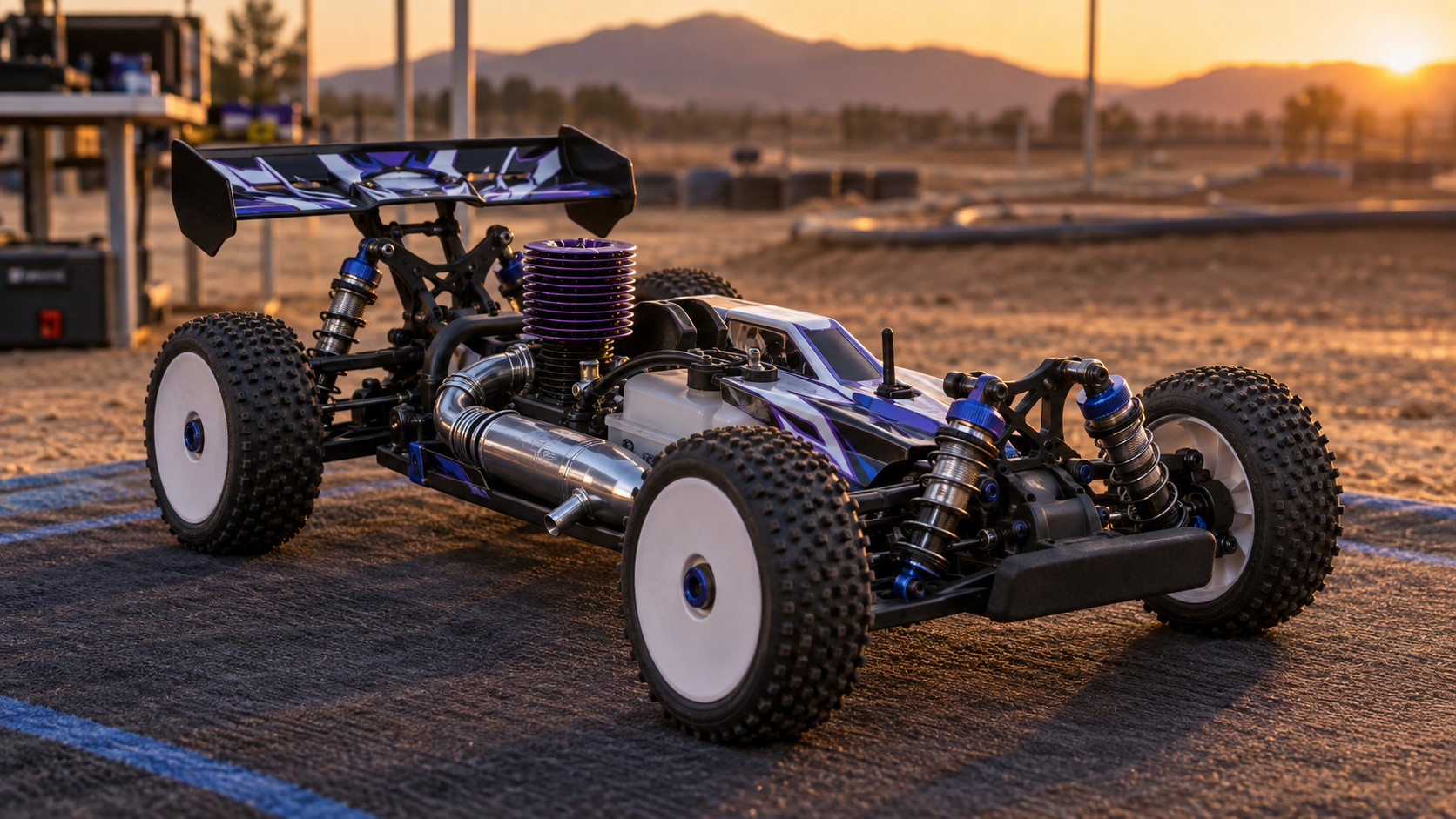
RC POWERLAB
Organize tracks and setups alongside the cars and engines you work on.
Understand how the mobile app and browser fit your testing.
See platform details →