 RC PowerLab
At the bench
- Measurement source
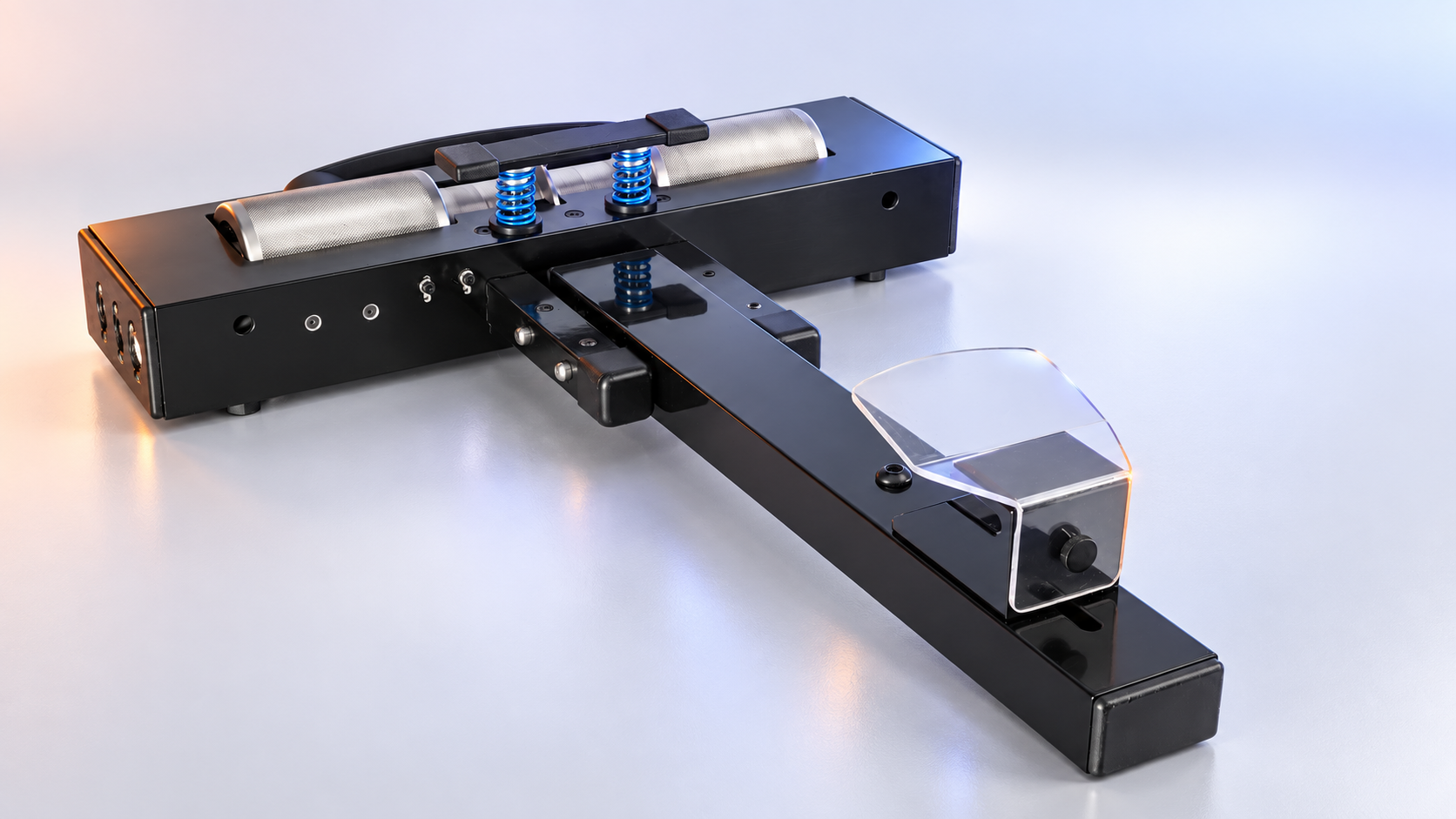
- Optical roller-pulse sensor
- Connection
- Bluetooth to the native mobile app
- Required context
- Compatible sensor, configured dyno and calibration
- Recording client
- Mobile app; browser does not record BLE runs
PLATFORM DETAILS
Practical information about the bench, capture client and saved-session workspace. Clear roles make it easier to decide how PowerLab fits your testing.
| Where you work | Mobile app | Web app |
|---|---|---|
| Connect the sensor & record | Bluetooth capture at the bench | Review saved runs |
| Sessions & analysis | Library, detail and analysis | Library, comparison and analysis |
| Your garage | Engines, vehicles, tracks and setups | Shared garage workflows and setup notebook |
| Your history | Save runs to your account | Browse, filter and share saved sessions |
QUESTIONS BEFORE YOUR FIRST RUN
The native mobile app, a compatible PowerLab sensor and a configured dyno. The optical sensor captures roller pulses and sends them over Bluetooth. Review the hardware and calibration requirements before using the measurement results.
Recording and Bluetooth sensor connection use the mobile app. The browser is for reviewing saved sessions, analysis and garage management.
The session workspace supports comparing saved sessions and sharing individual runs with other PowerLab users. Share individual runs with other PowerLab users.
The notebook organizes your recorded settings and notes. Copy and adjust a setup, then test it. It does not predict a lap time or automatically choose a winning race setup.
RC POWERLAB
The roller bench supports the car while the sensor captures the run. Configure your hardware and calibration before measuring.
Return to the platform overview and explore the part of PowerLab that fits your workflow.
Back to the overview →