 RC PowerLab
Configuration with context.
Keep the engine, car and dyno details available when you return to the run.
MOBILE CAPTURE
Bring the sensor, engine and dyno together in the native mobile app. Capture the roller signal, review the run and save it with its context.
THE MEASUREMENT WORKFLOW
The optical sensor streams pulse timing over Bluetooth. PowerLab uses the configured measurement pipeline to produce RPM and derived performance views.
App interface example · tap to enlarge
BUILT FOR THE TESTING CYCLE
Keep the engine, car and dyno details available when you return to the run.
Open the session detail, inspect curves and view the distribution of RPM readings.
Keep runs in a local session journal and resume uploads when needed.
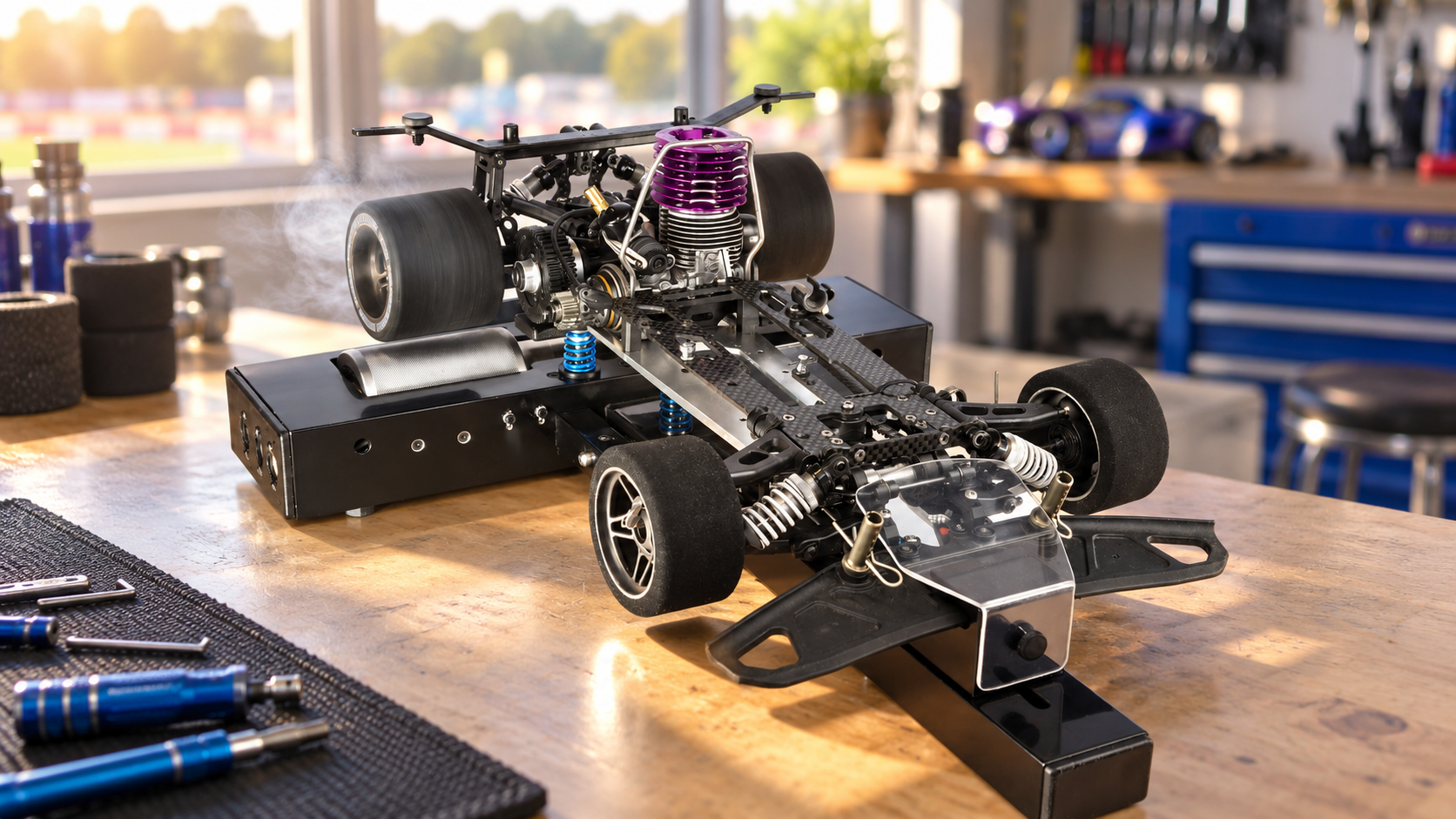
RC POWERLAB
Capture with the mobile app and keep the testing context alongside your measurements.
HOW POWERLAB WORKS
Capture at the bench. Keep the run with its context. Come back to the evidence before you adjust.


Bluetooth recording uses the mobile app. Power and torque depend on the configured dyno and calibration. The browser reviews saved runs.
See what you can learn from the saved run.
Explore analysis →